Multi-Branch Fleet Graphics Management
Control artwork, colors, approvals, production, installation, and replacements across branches and service territories.
Quick answer
Create one source of truth.
Without documented standards, branches may order inconsistent colors, layouts, vendors, and vehicle markings.
What to check
- Without documented standards, branches may order inconsistent colors, layouts, vendors, and vehicle markings.
- Centralize approved files
- Define branch variables
- Track vehicle assignments
- Audit completed installs
Why this matters for commercial fleets
A decision that seems minor on one vehicle can become expensive when repeated across a fleet. Clear specifications, photographs, approvals, material records, and installation notes reduce rework and make future additions easier to manage.
Use a documented process
- Identify the exact vehicle and operating requirements.
- Inspect surfaces, equipment, existing graphics, and modifications.
- Approve vehicle-specific artwork and written specifications.
- Coordinate production and installation with fleet operations.
- Archive final files, materials, colors, and completion photos.
Related resources
Frequently asked questions
Should this be decided before design approval?
Yes. Vehicle condition, material, coverage, markings, hardware, and operational constraints can all affect the final layout and installation plan.
What information should be retained?
Keep approved art, vehicle identifiers, measurements, film and laminate specifications, color references, installer notes, dates, and completion photographs.
Plan the work before production
Share vehicle details, photos, fleet quantity, locations, deadlines, and artwork status for a practical recommendation.
Work that earns attention.
Commercial wrap, fleet and environmental graphics built to stay clear, consistent and unmistakable wherever the brand appears.
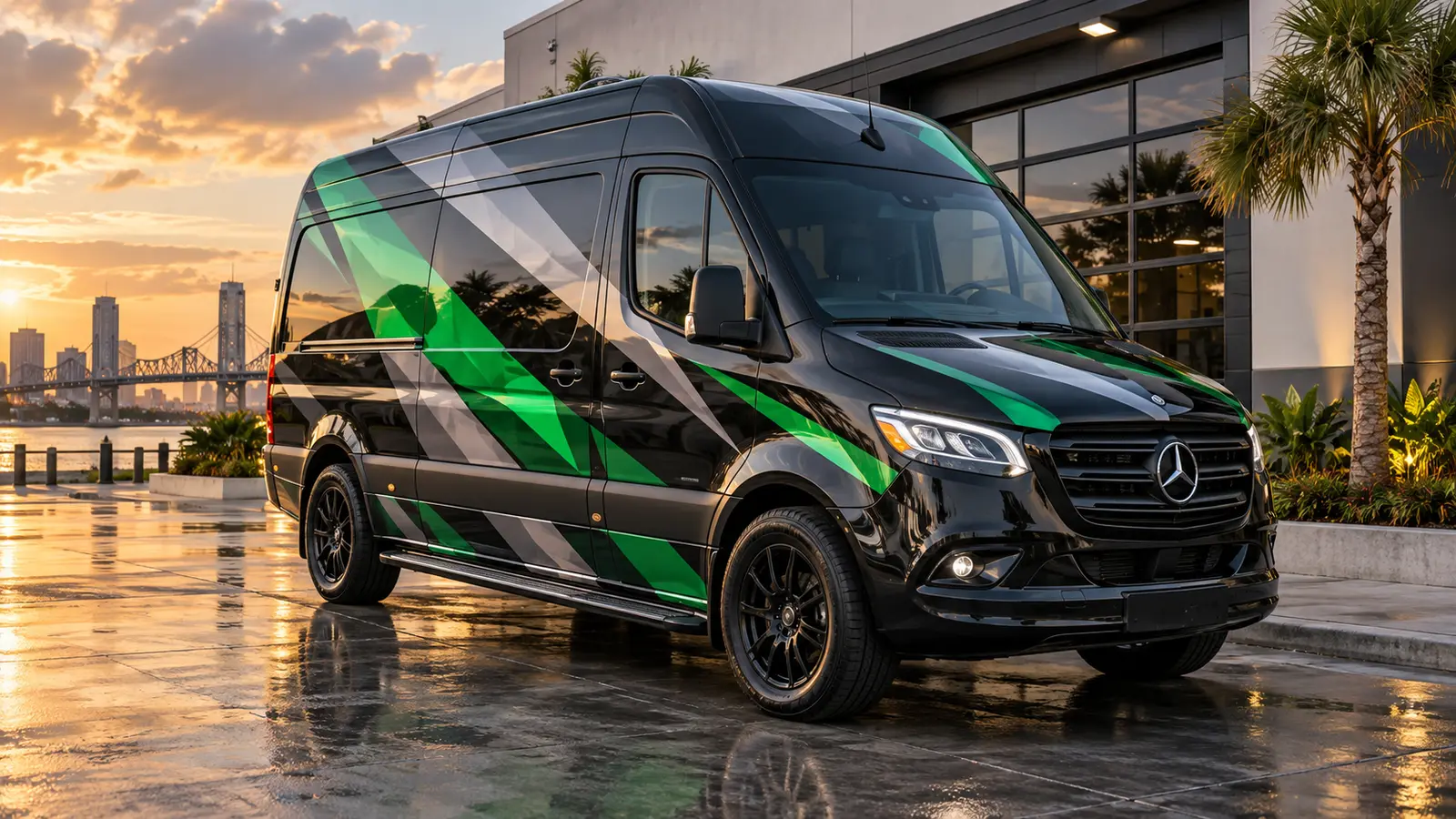
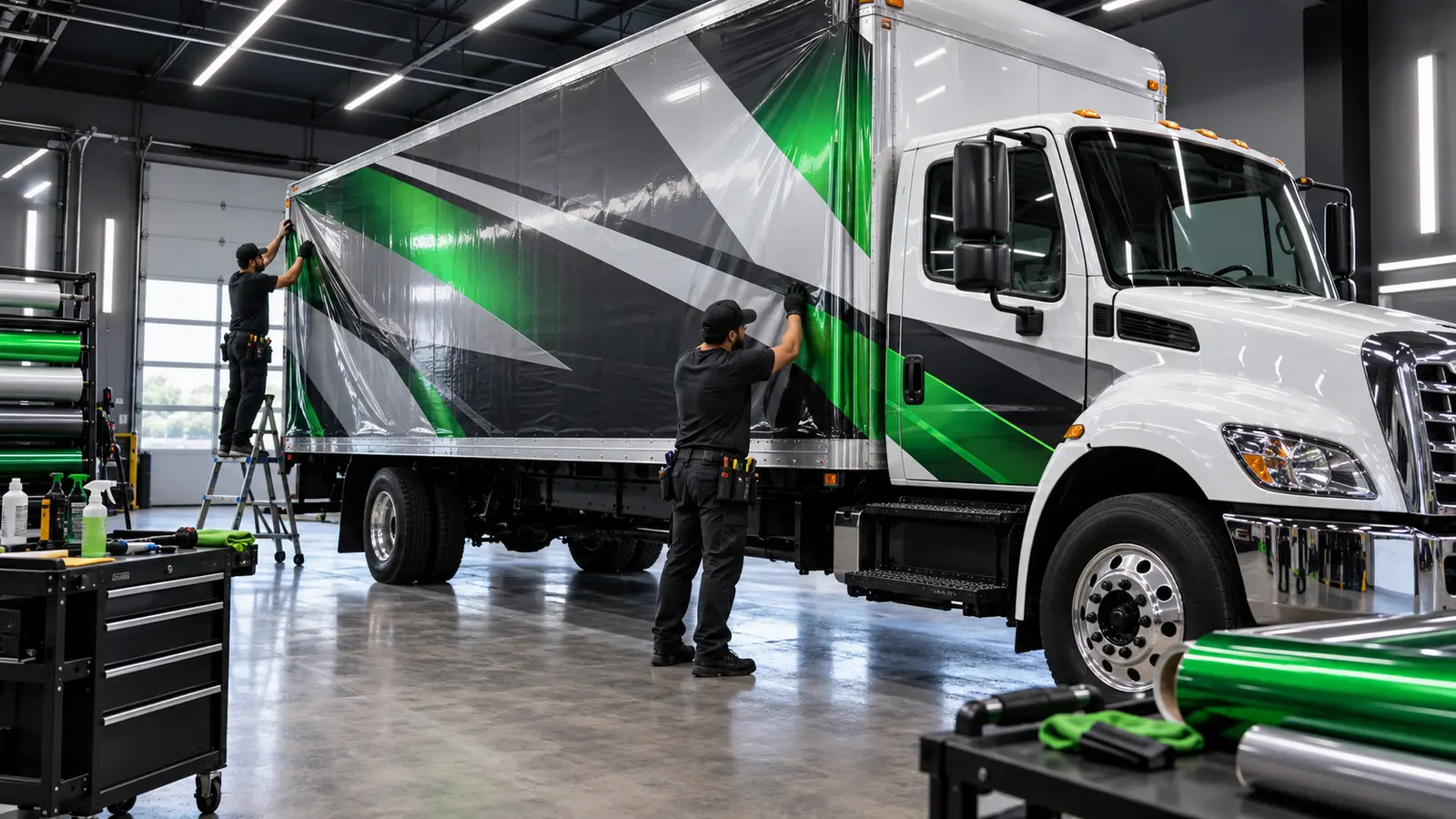
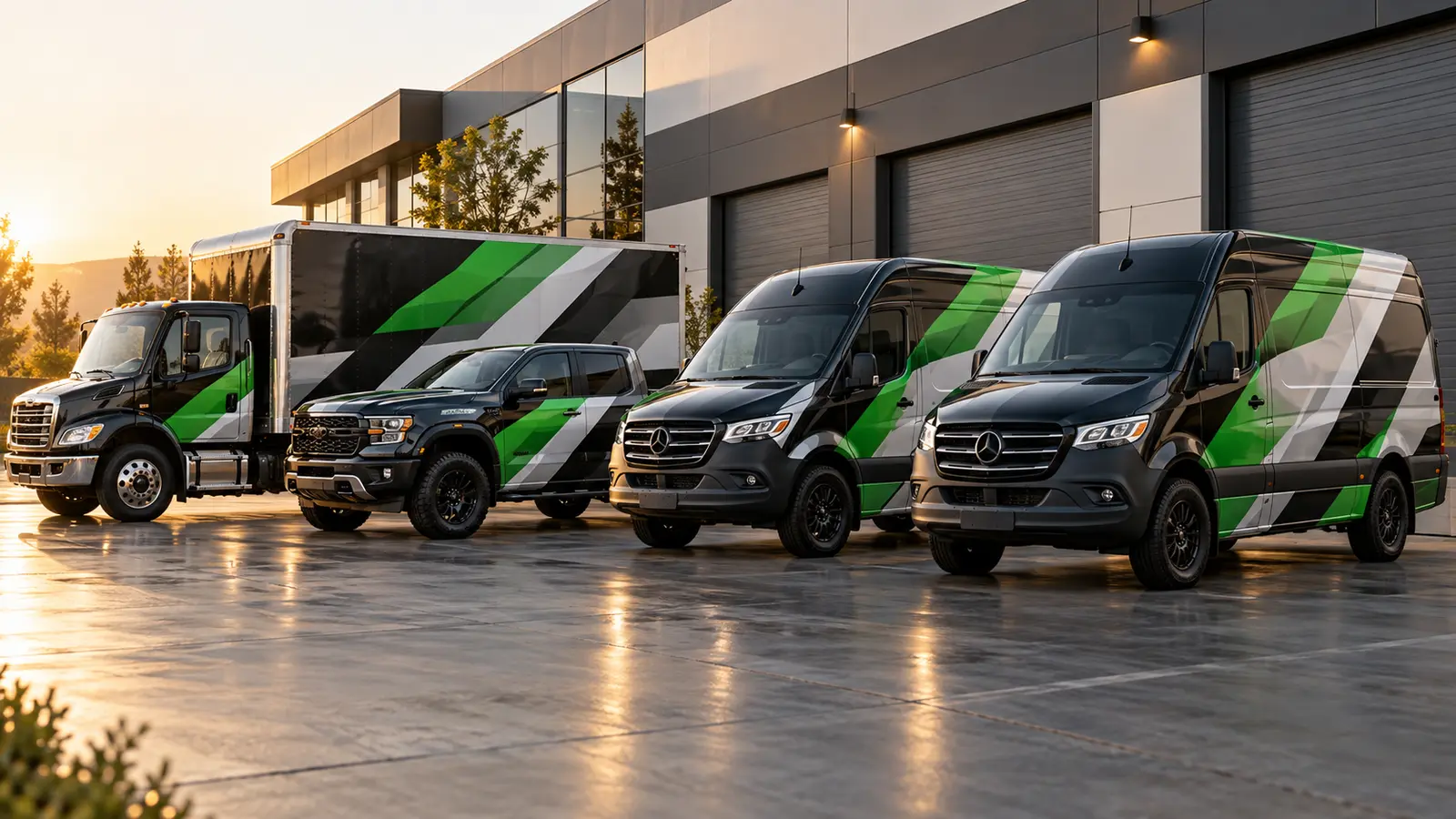
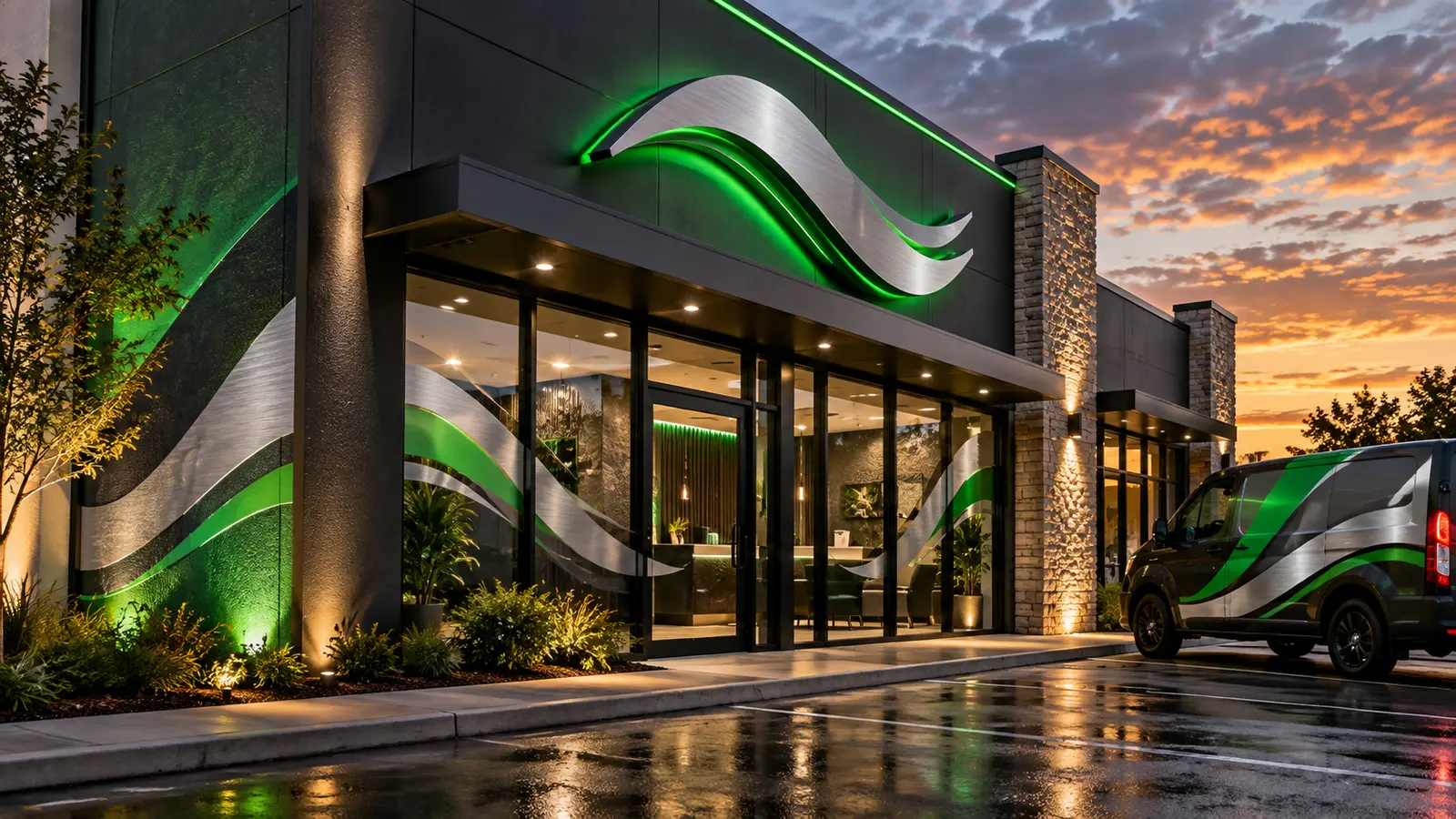
Buddha Wraps visual portfolio · New Orleans and nationwide commercial programs